Monitor
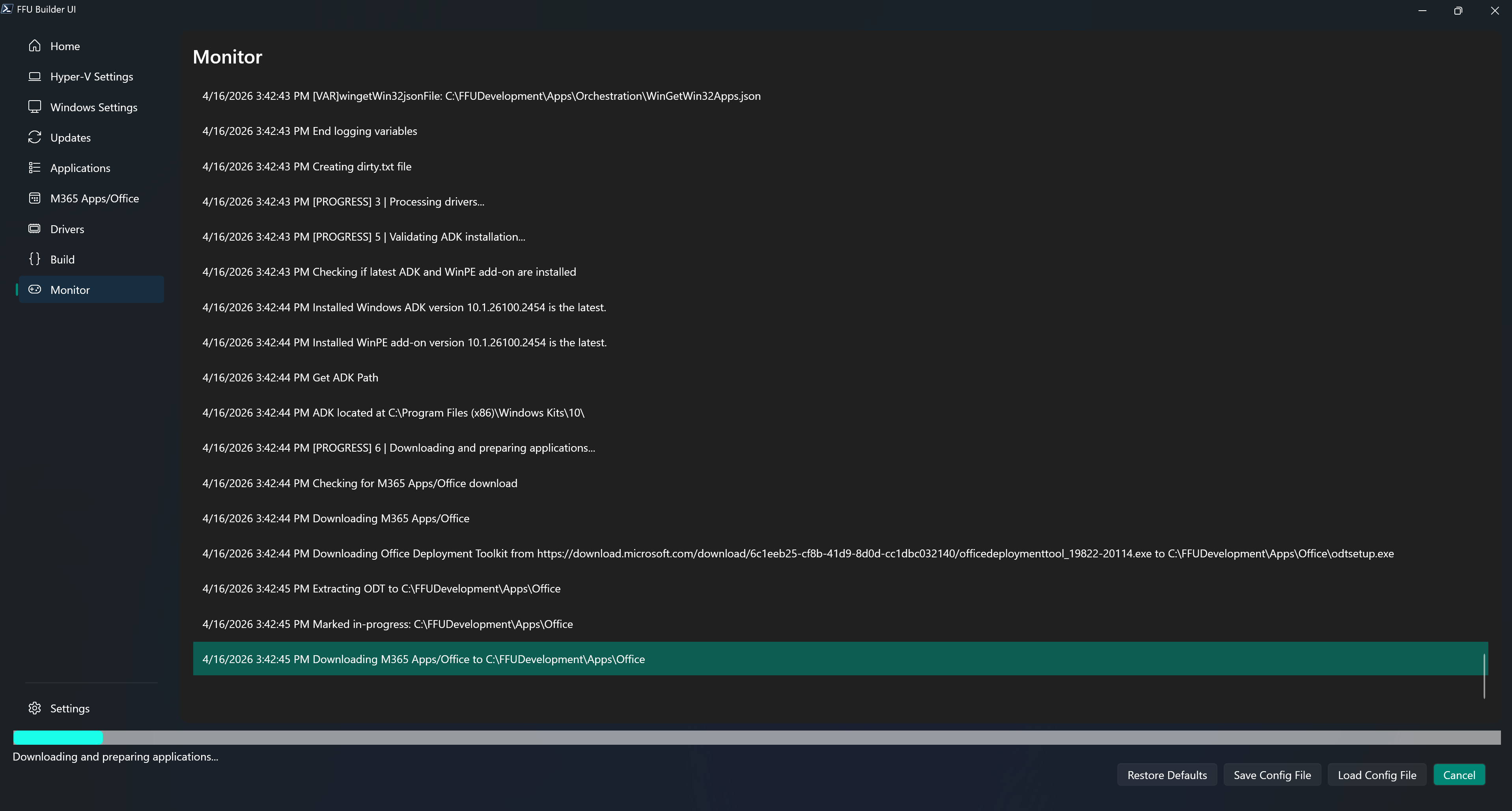
The monitor tab parses the .\FFUDevelopment\FFUDevelopment.log file. This makes it easy to track what’s happening during the FFU build process.
You can click into the monitor and select one or multiple lines (either single click, or shift+click). Doing so will prevent the log file from continuous scrolling, allowing you time to read what has transpired up to that point.
You can also copy your selection using ctrl+C. This makes it easy to copy and paste parts of the log file used for troubleshooting.